Playback Controls
Customize your listening experience with advanced playback settings and sleep timer options.
Overview Playback Controls
These settings can be found under Settings > Playback Controls.
Skip Intervals
- Skip Forward: Set your preferred default time.
Options: 5s, 10s, 15s, 20s, 30s, 45s, 60s - Skip Backward: Set your preferred default time.
Options: 5s, 10s, 15s, 20s, 30s, 45s, 60s
Interface Options
- Show Remaining Time: Changes the default "Now Playing" progress bar to show the remaining time instead of the total duration.
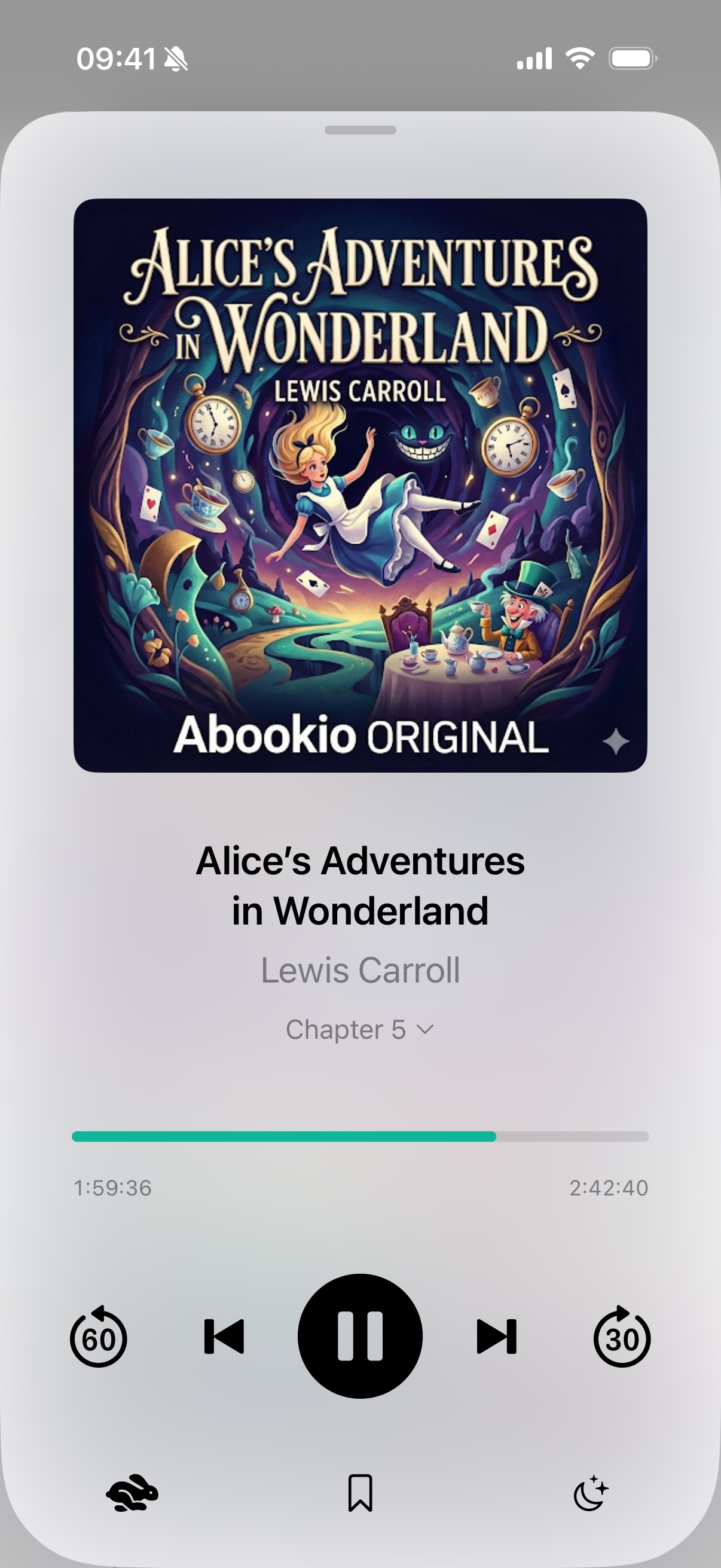
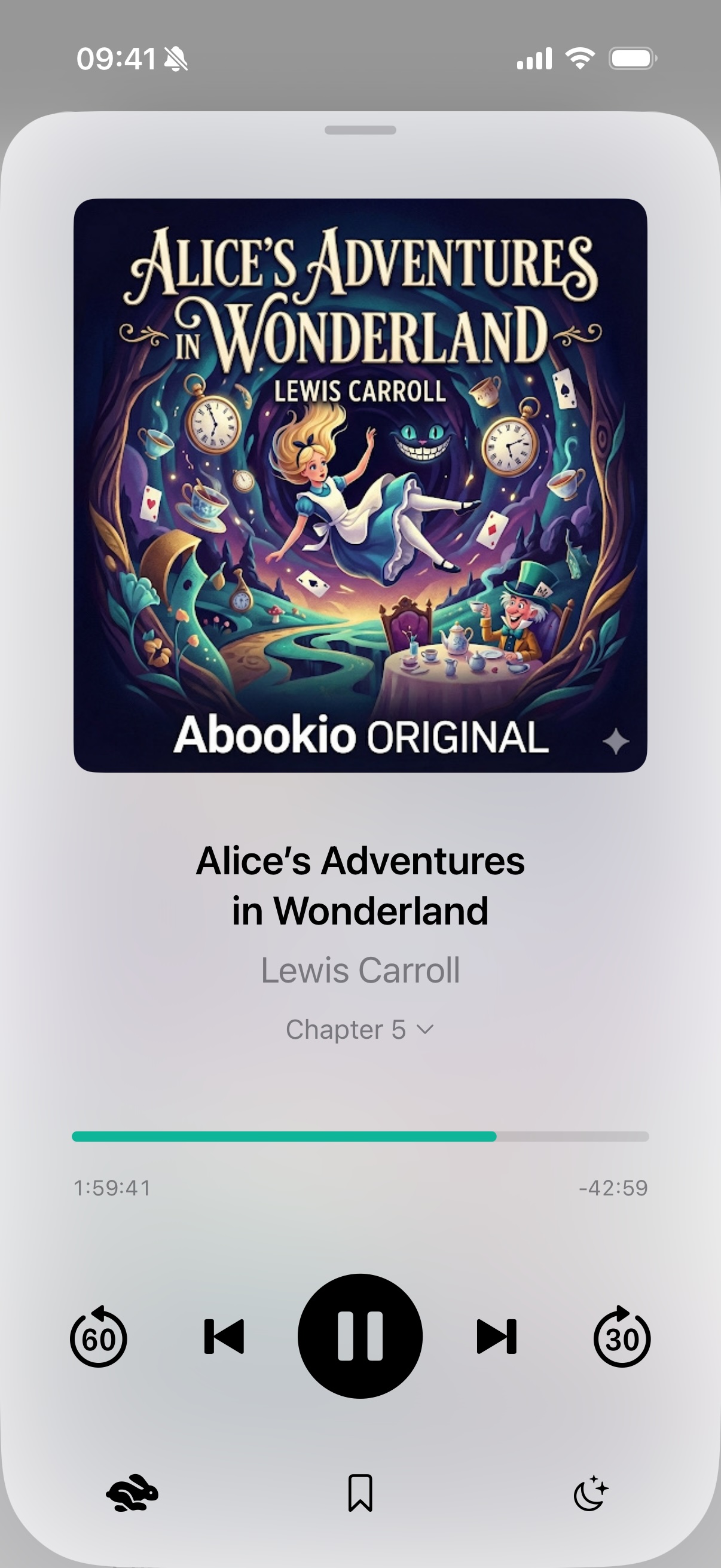
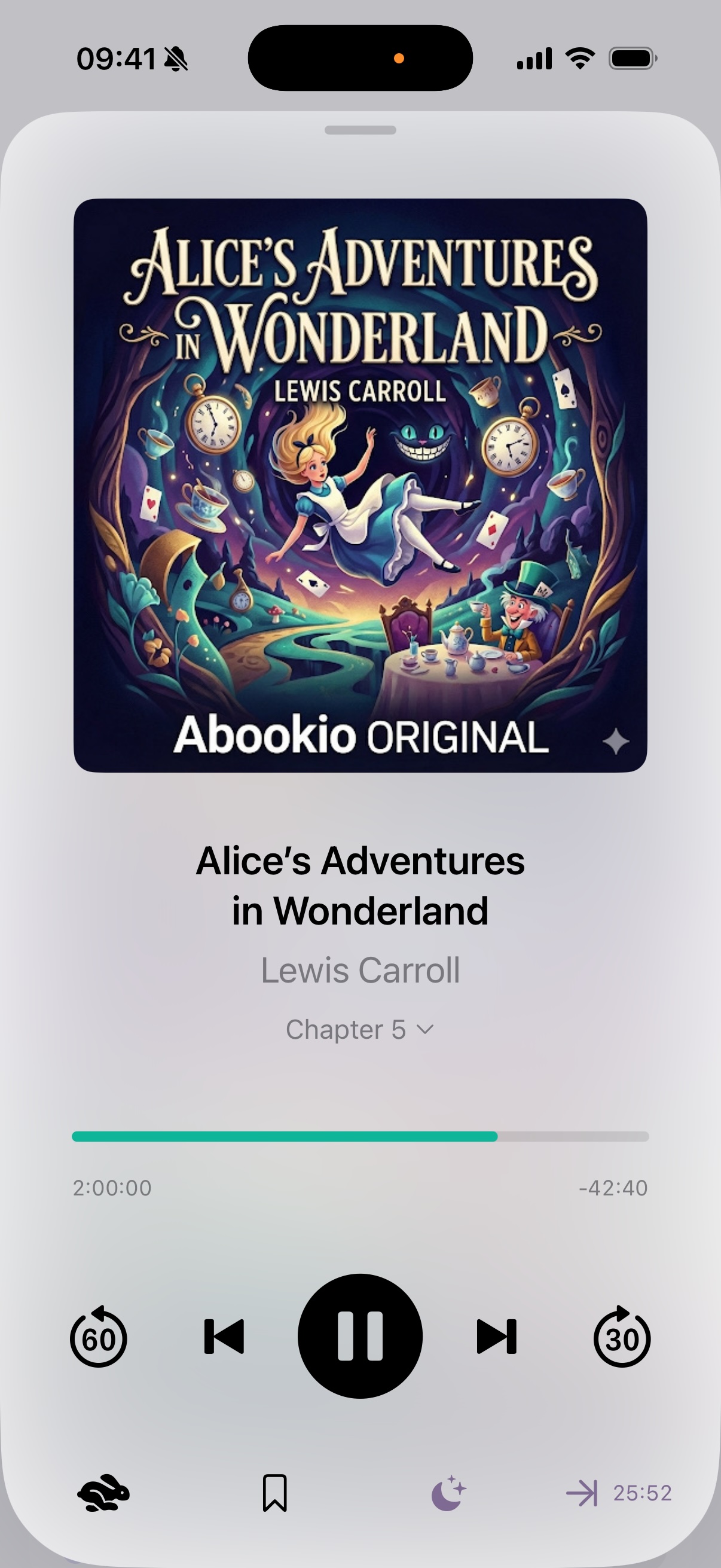
- 4 Button Layout: Adds an additional button to the bottom row which displays a counter of the time left in the current chapter. Tapping this button starts a sleep timer until the end of the chapter.
- Disable Lock Screen Scrubbing: Disables the native progress bar in the Control Center and Lock Screen to prevent accidental scrubbing or scrolling.
Sleep Timer
Abookio offers smart sleep timer features to ensure you never lose your place.
- Shake to Extend: If the sleep timer is active and the device is shaken while in the "Now Playing" view, the sleep timer is extended by the configured time.
- Auto Sleep Timer: The sleep timer automatically starts whenever playback begins.
- Scheduled Sleep Timer: The Auto Sleep Timer only triggers after a set time (e.g., 22:00). It resets at 6:00 AM.
- Smart Rewind: If the last playback was paused by the sleep timer and at least 4 hours have passed, playback resumes from the time before the sleep timer was activated.