Audiobookshelf app for iPhone: play your server on iOS
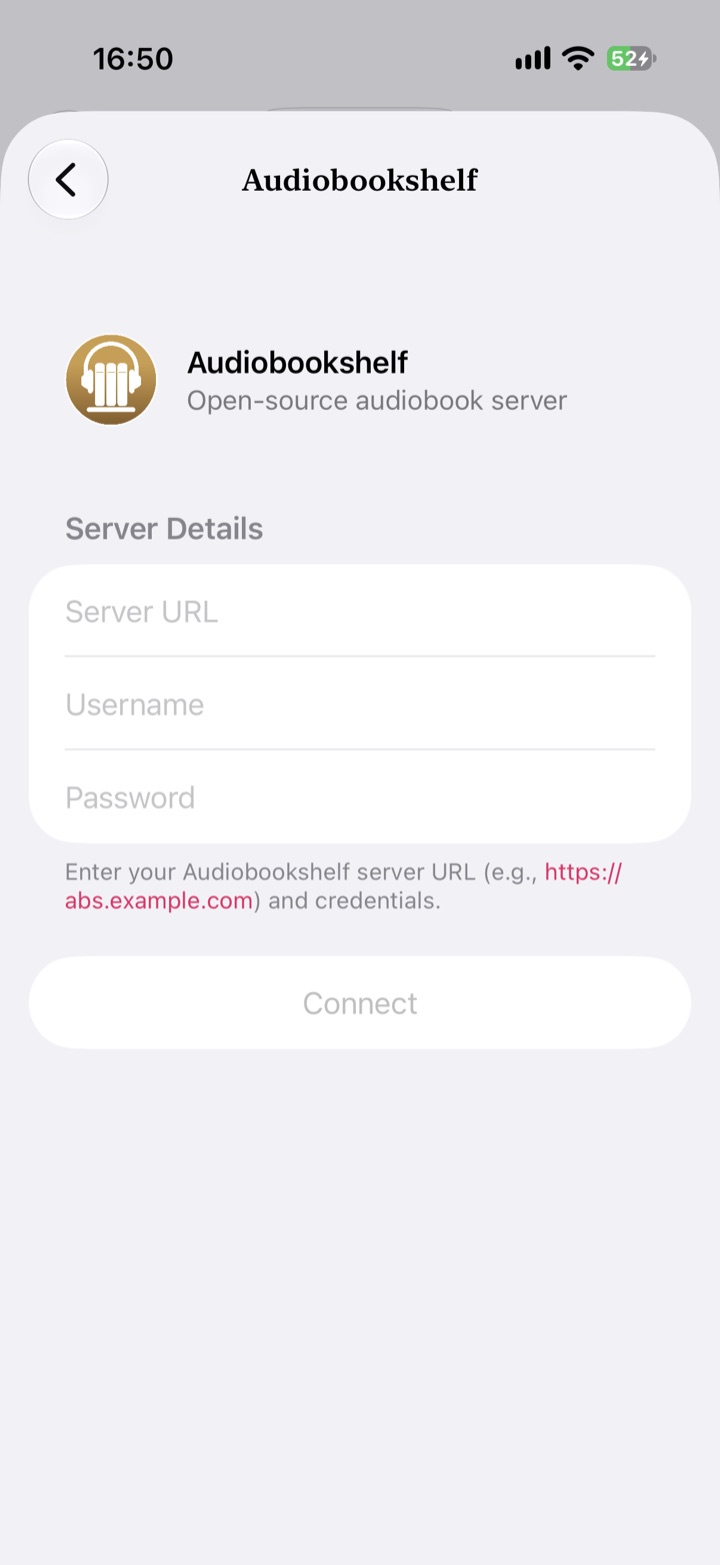
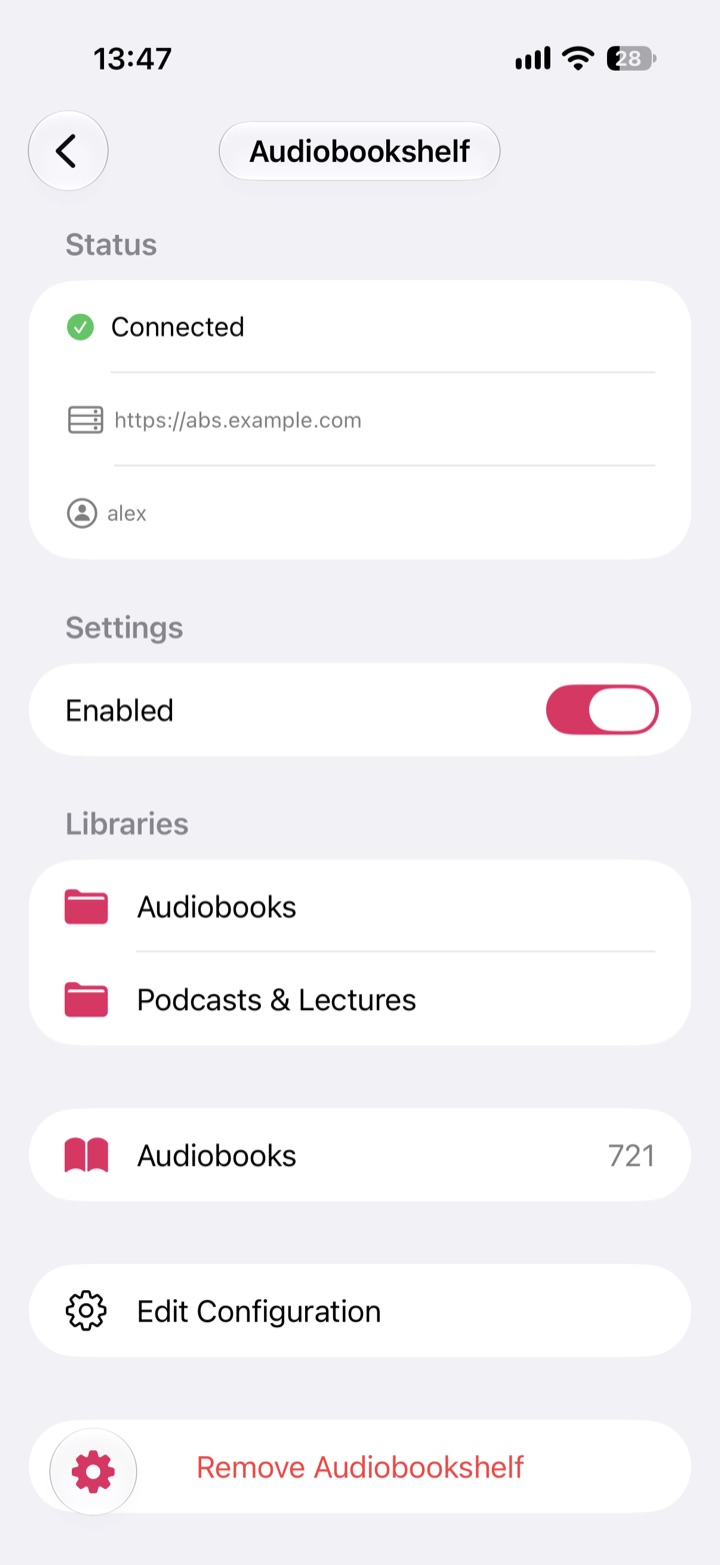
Abookio has native Audiobookshelf integration, so the audiobooks on your self-hosted server play on iPhone, iPad, Apple Watch and CarPlay, alongside any local or cloud books.
Abookio has native Audiobookshelf integration, so the audiobooks on your self-hosted server play on iPhone, iPad, Apple Watch and CarPlay, alongside any local or cloud books.
Abookio Pro is a one-time purchase and includes cloud providers plus Audiobookshelf, Plex and Jellyfin. If you do not need Pro, you can unlock the self-hosted integrations with a separate one-time add-on. The App Store shows the current price for your region.
Abookio connects to your Audiobookshelf server and plays your audiobooks on iPhone, iPad, Apple Watch and CarPlay, with per-book speed, smart rewind, skip silence, a sleep timer and listening stats.
Abookio Pro is a one-time purchase and includes cloud providers plus Audiobookshelf, Plex and Jellyfin. If you do not need Pro, you can unlock the self-hosted integrations with a separate one-time add-on. The App Store shows the current price for your region.
No. You only sign in to your own server. Abookio has no accounts, no analytics and no tracking, and there is no third party in your media path.
iOS 18 or later.
Yes. Pro combines local files, cloud drives and self-hosted servers into one library that you can browse by author, narrator, series, genre or tag.
An audiobook player for iPhone, iPad, Apple Watch and CarPlay. No account, no tracking.
Download on theApp Store