Play audiobooks from Box on iPhone
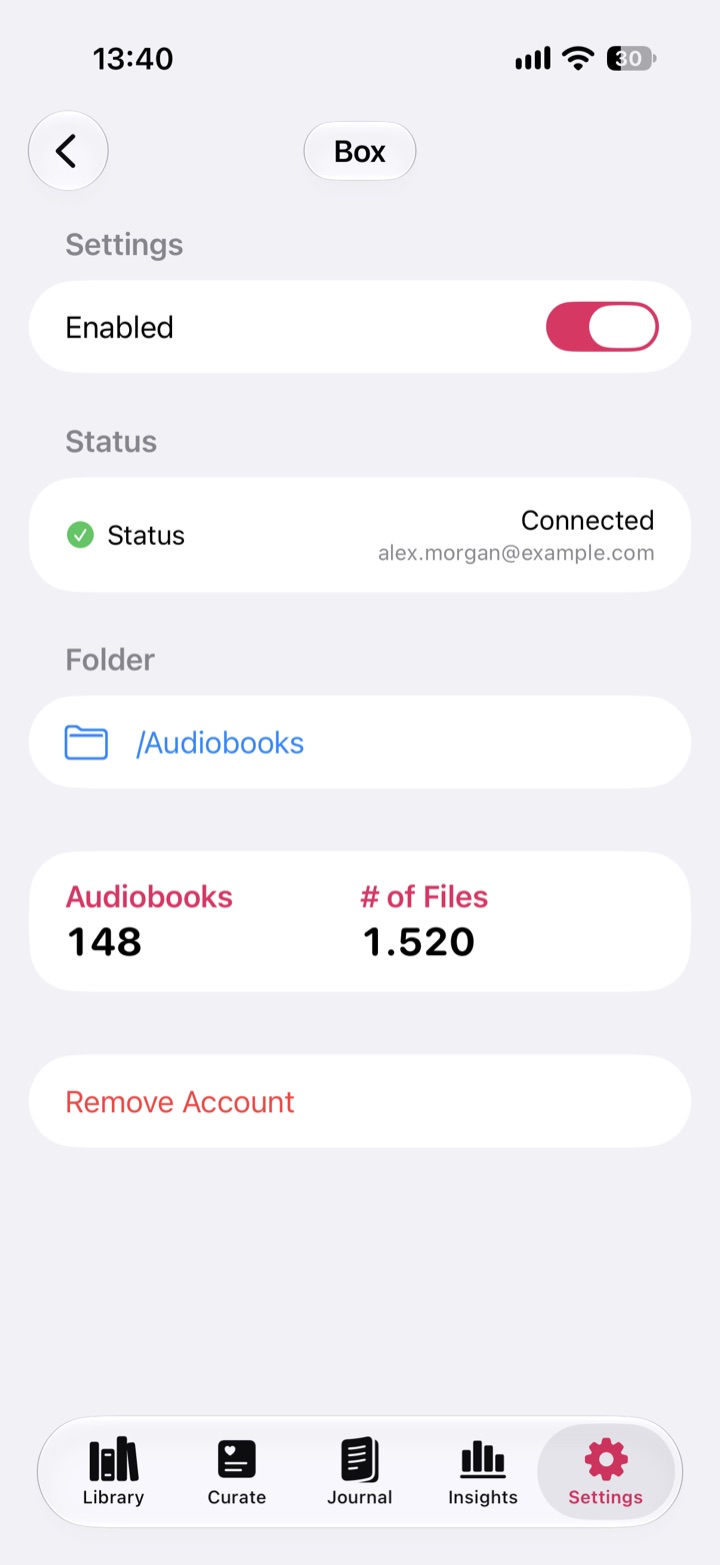
Connect Box to Abookio, choose the folder that holds your DRM-free audiobooks, and download books to listen offline on iPhone, iPad or Apple Watch.
Connect Box to Abookio, choose the folder that holds your DRM-free audiobooks, and download books to listen offline on iPhone, iPad or Apple Watch.
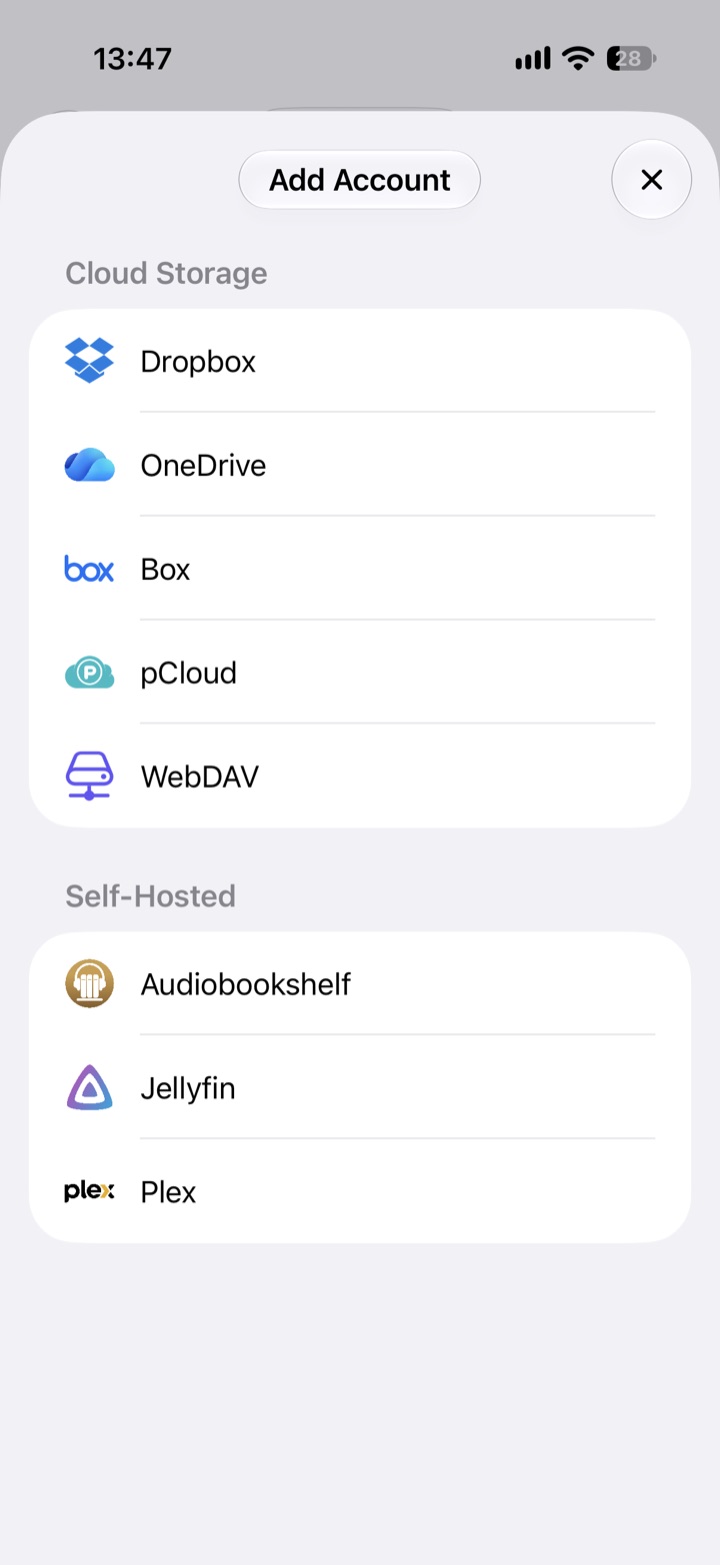
Cloud storage providers are part of Abookio Pro, a one-time purchase. Local files and iCloud Drive are free. The App Store shows the current price for your region.
Abookio keeps your place even if you re-import a book, and combines cloud books with local files and self-hosted servers in one library.
You sign in with your own Box account. Abookio has no accounts of its own, no analytics and no tracking.
Yes. Connect Box in Abookio Pro and play or download the books you keep there.
M4B, M4A, MP3 and FLAC.
No. You only sign in to your Box account.
Cloud providers are part of Abookio Pro, a one-time purchase. Local files and iCloud Drive are free. The App Store shows the current price for your region.
An audiobook player for iPhone, iPad, Apple Watch and CarPlay. No account, no tracking.
Download on theApp Store