← All guidesM4B · iPhone

The best way to play M4B audiobooks on iPhone

Abookio is an iPhone audiobook player for M4B, M4A, MP3 and FLAC files. It keeps your place, remembers each book's speed, and works with chapters and bookmarks.
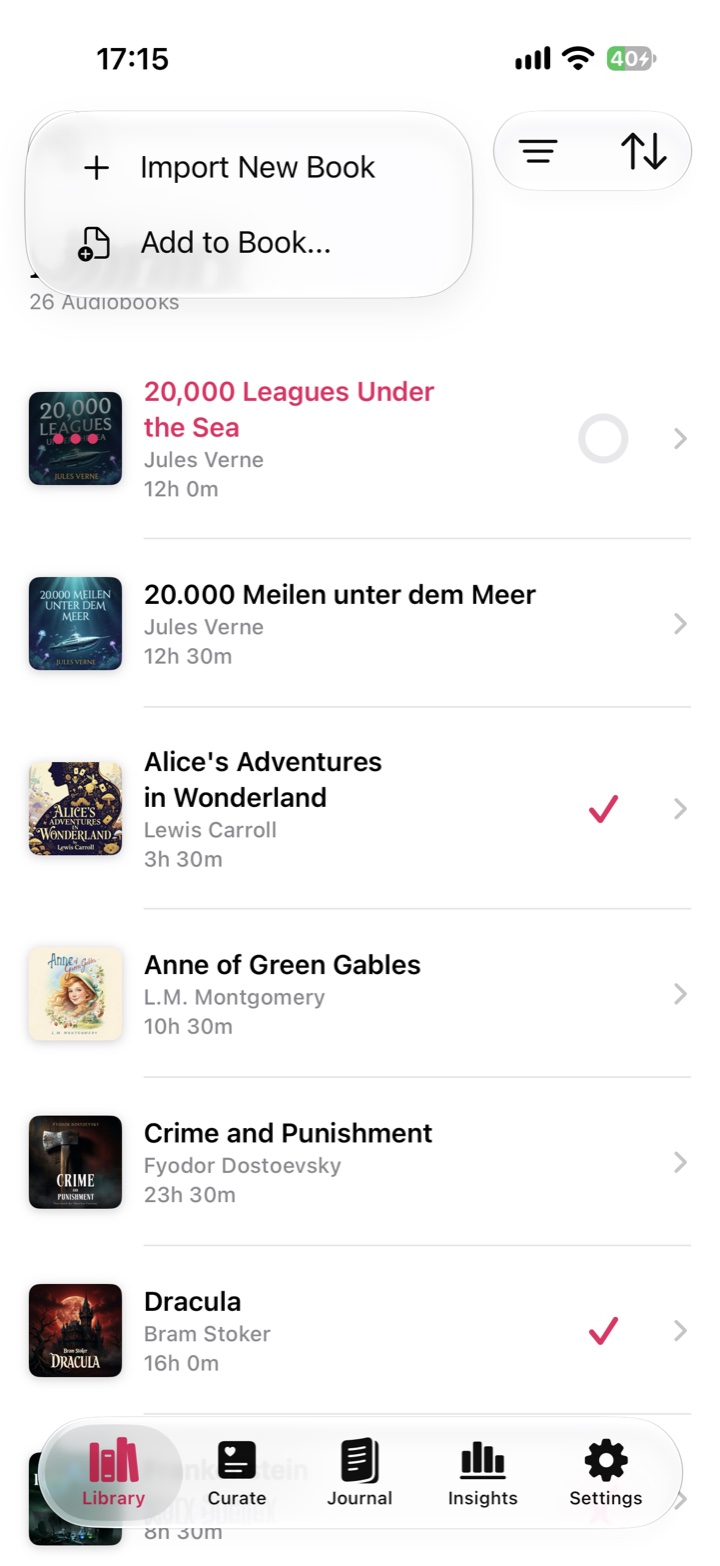
Abookio library with the Import New Book menu for adding M4B files
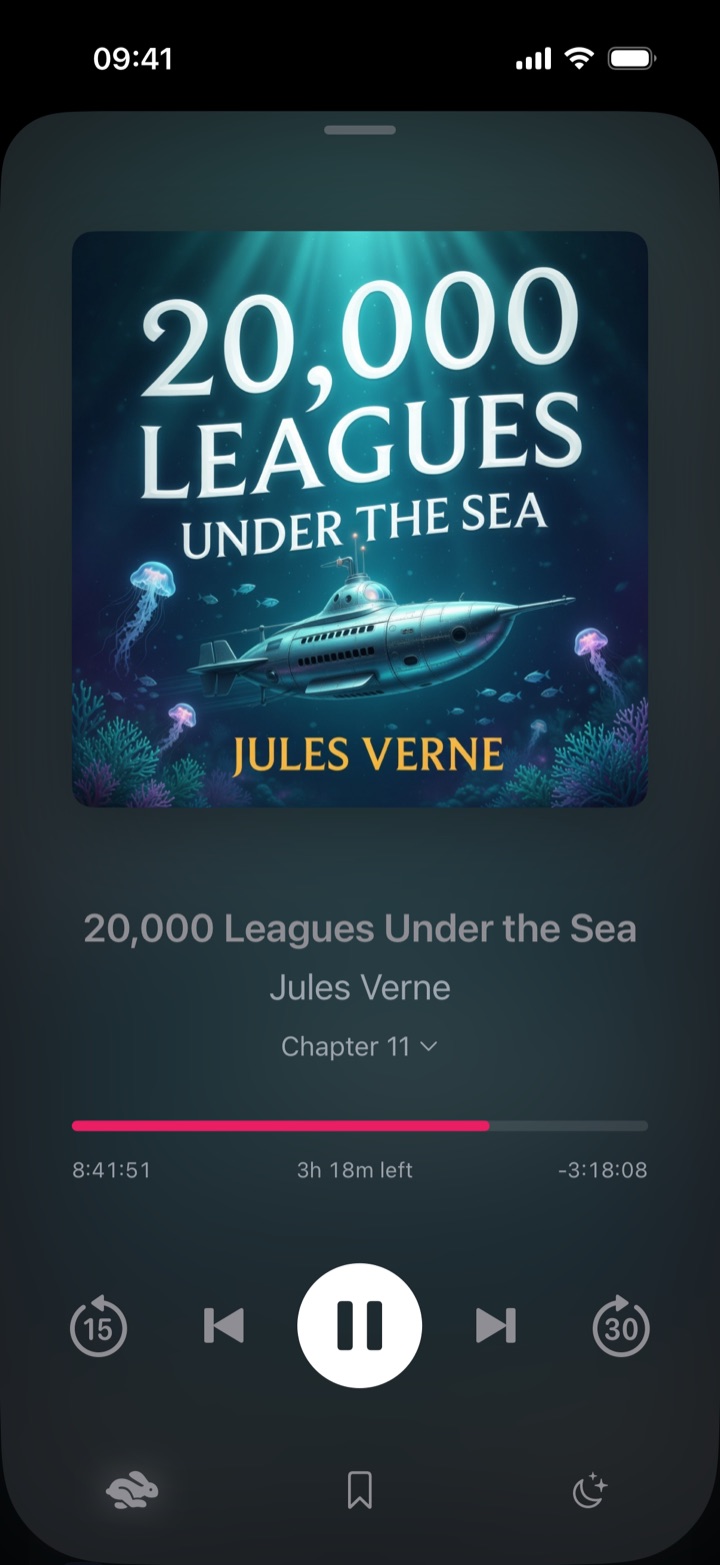
Abookio Now Playing screen for an M4B audiobook

Supported audiobook formats

  • M4B: the standard single-file audiobook format, with chapters.
  • M4A: AAC audio in an MPEG-4 container, common for DRM-free purchases and rips.
  • MP3: widely used, often one file per chapter. Import a whole folder as one book.
  • FLAC: lossless audio, supported alongside the other formats.

Audiobooks protected by DRM, such as Audible's, can't be played. See Can I play Audible books in a third-party app?

How to add M4B files to your iPhone

  1. Get your files onto your iPhone (AirDrop, the Files app, iCloud Drive) or into a cloud drive or server you use.
  2. In Abookio open the Library tab and choose Add.
  3. Pick Files, iCloud Drive, or a connected source, and select your books.

Local files and iCloud Drive are free. Cloud drives (Dropbox, OneDrive, WebDAV, pCloud, Box) are part of Pro.

Scrub a 20-hour M4B with the cover

Long M4B files are hard to navigate with a thin progress bar. In Abookio you can touch the cover art and rotate it like the click wheel on an old iPod: a bubble above the cover shows the new position and how far you have moved.
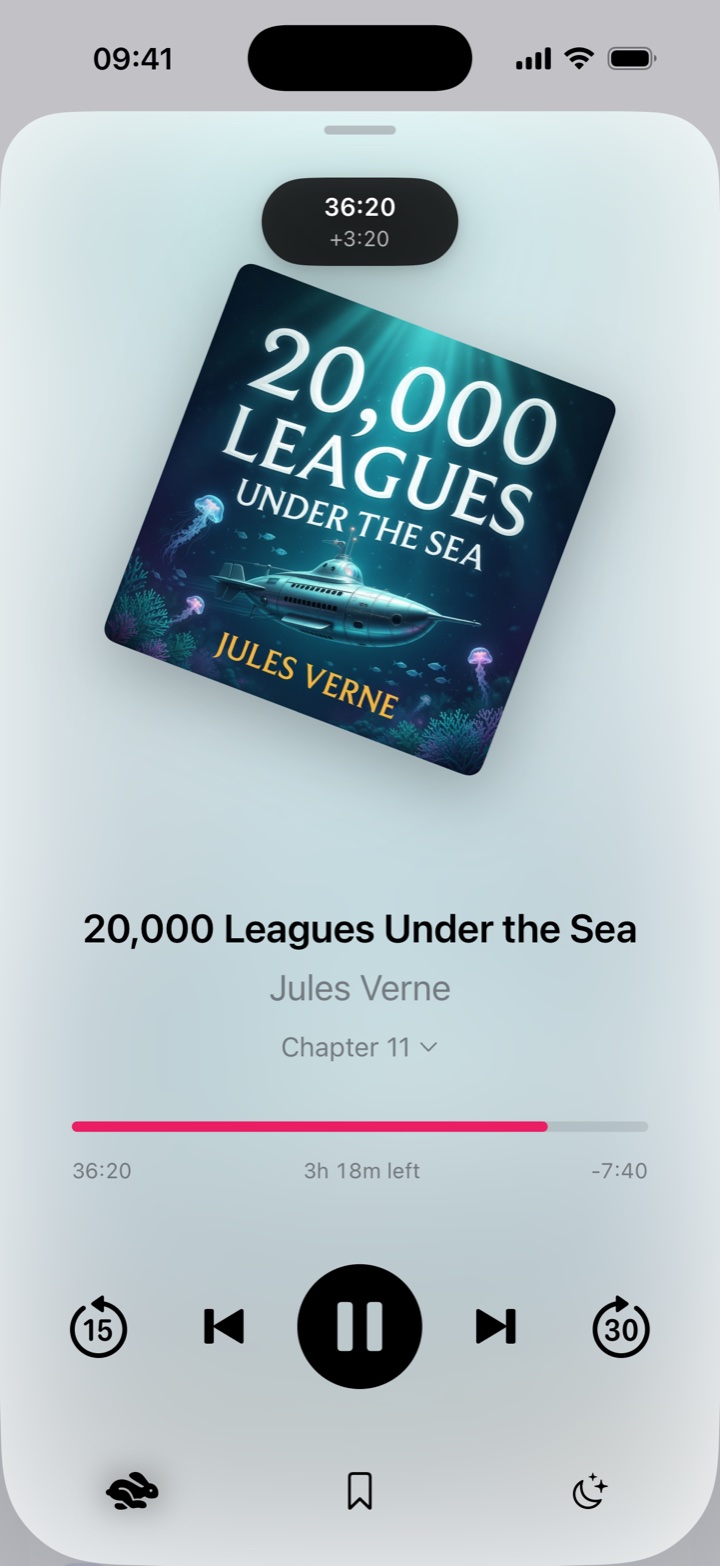
Abookio cover art tilted while rotating to scrub, showing the new position above the cover

Features that matter for long listens

  • Rotate-to-scrub: turn the cover like a click wheel to seek precisely
  • Per-book speed and a dial-style speed control
  • Smart Rewind: rewinds more after an overnight gap, less after a short break
  • Skip Silence and volume normalization
  • Sleep timer with shake-to-extend and a Lock Screen Live Activity
  • Bookmarks and chapter navigation
  • Edit covers, narrators and series yourself, for free

Frequently asked questions

Does Abookio play M4B files?

Yes. Abookio plays M4B, M4A, MP3 and FLAC audiobooks.

Does it support chapters?

Yes. Chapters in your files appear in the chapter list, and you can add bookmarks to any book.

Can I import a folder of MP3s as one book?

Yes. MP3 and FLAC audiobooks that are split into tracks can be imported as a single book.

Is Abookio free?

Yes. The core player is free for local files. Pro is a one-time purchase. The App Store shows the current price for your region.

What iOS version do I need?

iOS 18 or later.

More guides

Abookio app icon

Try Abookio free.

An audiobook player for iPhone, iPad, Apple Watch and CarPlay. No account, no tracking.

Download on theApp Store