CarPlay audiobook player for the books you own
Abookio has a CarPlay interface built for listening on the road. Browse your books, choose a chapter and press play, hands-free. Your own audiobooks, no store required.
Abookio has a CarPlay interface built for listening on the road. Browse your books, choose a chapter and press play, hands-free. Your own audiobooks, no store required.
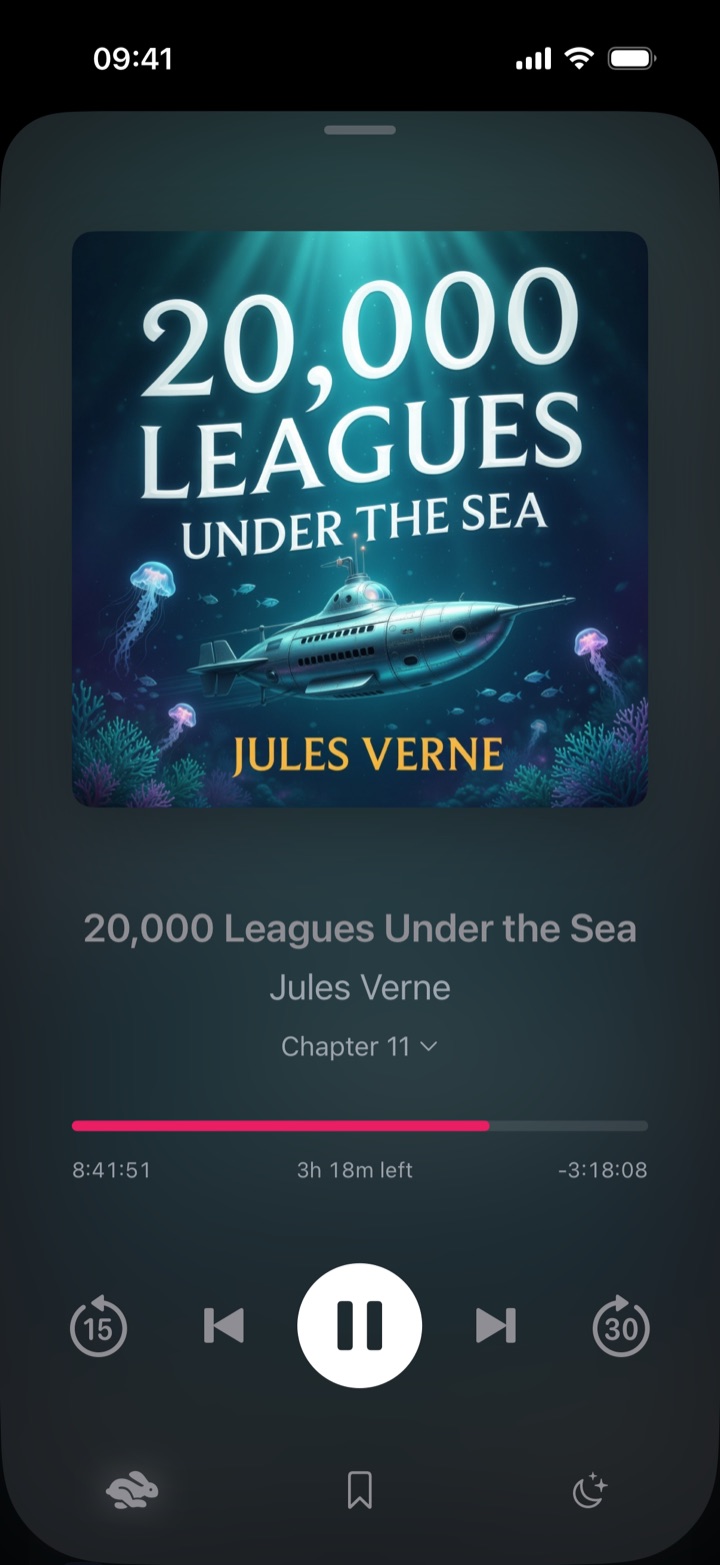
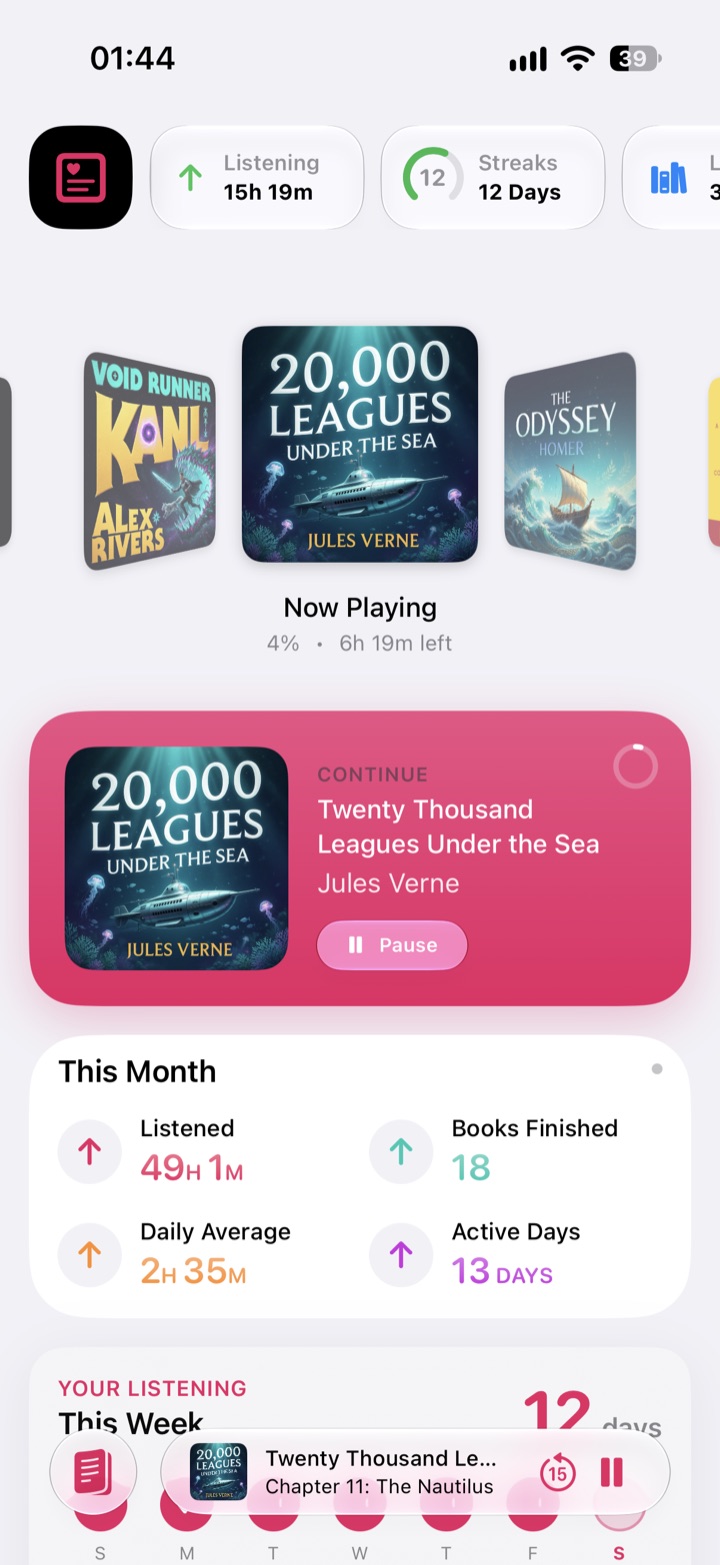
CarPlay support is part of Abookio Pro.
Play books from local files, cloud drives (Dropbox, OneDrive and more) or self-hosted servers (Audiobookshelf, Plex, Jellyfin).
Yes. CarPlay support is available in Abookio Pro.
Yes. Try “Continue listening in Abookio.”
iOS 18 or later.
An audiobook player for iPhone, iPad, Apple Watch and CarPlay. No account, no tracking.
Download on theApp Store